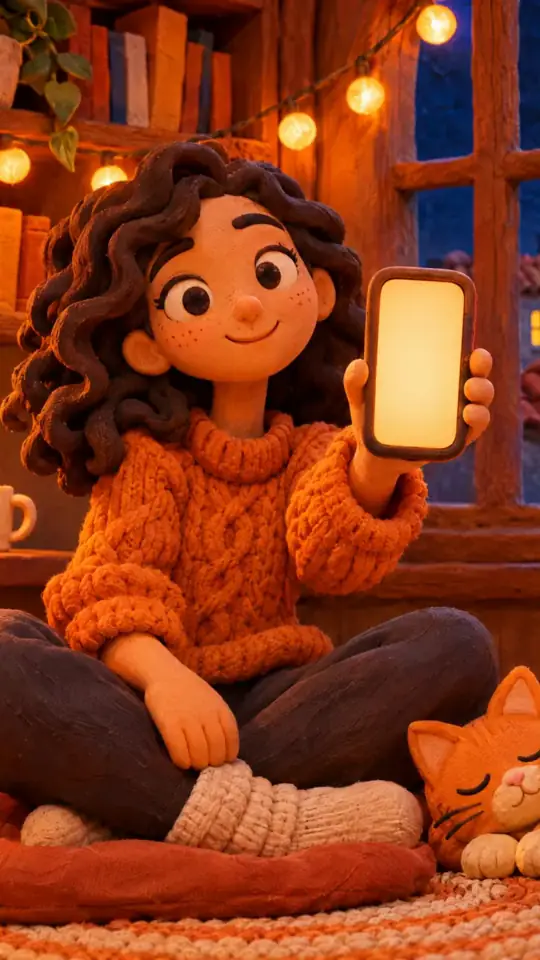
Tech tutorial video maker — Terracotta studio style
Make a tech tutorial video with UI cards floating in light 3D on cream: numbered labels, rolling counters, terracotta plates and italic serif captions.
Incluso da Starter, con tutti i 27 stili più i tuoi · anteprima generata dal motore ClipOnIt
Che aspetto ha questo stile
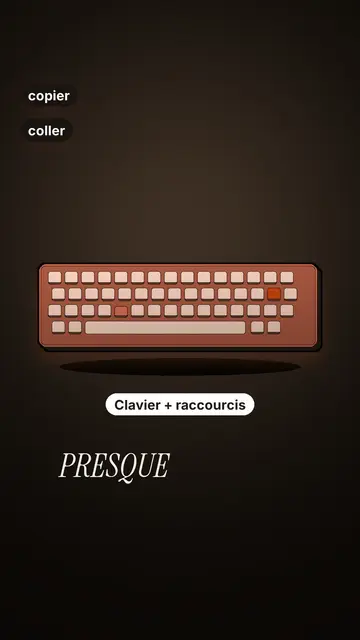
Terracotta studio explains a tool as if on a tidy workbench. On a cream background, interface cards float in light 3D, with real perspective and a warm shadow: an app window, a list of steps, an editing timeline, a sound wave drawing itself, a pad of keys lighting up one by one. At the top, a numbered label (“01”, the tool's name, “free”) says where you are and stays put while that tool is discussed. Each card enters on the word that names it.
The promise lands on a solid terracotta plate: an asterisk, an extra-bold grotesque title and an underlined italic serif word. The key number rolls in a giant counter above a floor of small cards in perspective. Small labels pop around the cards on the strong words, and captions run word by word in uppercase italic serif, the key word in terracotta. The end shows a numbered card and a button that lights up and then gets clicked.
Argomenti adatti
Avoid: stories carried by characters, places or emotions: the style shows interfaces, lists and numbers, not scenes from life. Also avoid topics without steps or a concrete tool; a card should always show something you can do.
- Tool tutorialsEach tool gets its numbered label and its cards: viewers follow the order without getting lost, even in 30 seconds.
- Tech tipsA shortcut, a hidden setting, a command: the lit keys and the window show the exact move.
- How things workA search, a sound, an edit: the card filling up shows the mechanism step by step.
- Free tools and app round-ups“3 free tools”, “5 apps to install”: the plate announces the number, the end card sums up the list.
Idee video in questo stile
- 3 keyboard shortcuts that save time
The lit keys, the closed-tabs window, the clipboard history and the card to keep.
- 5 free sites to find sounds
One label per site, the wave drawing itself, the counter of royalty-free sounds and the final list.
- How AI finds an image in one second
The typed search, the scrolling film strip, the image at the exact frame and the accuracy score.
- Editing a video on your phone
The timeline where clips stack up, the sound meter and the “Export” button clicked at the end.
Ottienilo con 1 clic
- Apri il link di questo stile
Il pulsante “Crea un video in questo stile” apre l'editor con questo stile già selezionato. Senza un account, la registrazione richiede un minuto e non serve una carta.
- Scrivi il tuo argomento in una frase
Un'idea basta. Puoi anche incollare il tuo testo oppure, da Starter, raccontare al microfono: il video si costruisce poi sulla tua voce.
- Rivedi, poi genera
L'IA scrive le scene, sceglie gli elementi dello stile e li sincronizza con le parole, con voce e sottotitoli. Tu correggi ciò che non va, poi l'MP4 verticale arriva in pochi minuti.
Cosa puoi regolare
For each scene you pick one to three cards out of twelve (window, list, timeline, wave, pads, counter, meter, score, numbered frames, search, film strip or a library element), the numbered label for that part, up to three small labels and the word where each one appears. A terracotta plate carries the promise, a number shot rolls the key figure, and the end card lists your tools with a button. Your own voice works too: everything locks onto the spoken words.
Disegnato in questo stile
9 517 elementi nella sua libreria, ricercabili per significato. Alcuni di questi:
 Personaggi
 Dispositivi
 Documenti e luoghi
 Dati
 Ambienti
 Interfacce
 Scienza
 Azioni
Domande frequenti
Gratuito o a pagamento, output, usi: le risposte in breve.
Do I need screenshots of my tools?
No. The engine draws the interface cards from your text: titles, lines, keys, numbers. No screenshot or brand logo is used.
Posso usare la mia voce?
Yes. Record yourself or import your audio: every card, every key and every caption word locks onto what you say.
How is it different from Clean interface?
Clean interface tells a story in OS-style windows with a clicking cursor. Terracotta studio is built for tutorials: cards in light 3D, a numbered label per tool, terracotta plates and counters.
Questo stile è nel piano gratuito?
No, è incluso in Starter ($29/mese): 15 video senza filigrana al mese, tutti i 27 stili più i tuoi. Il piano gratuito dà 3 video al mese con filigrana in 8 altri stili: Pixel News, Press paper, Comedy cartoon, Class sketch, Night tale, Social screen, Retro synthwave e Flat vector.
Se ti piace questo stile
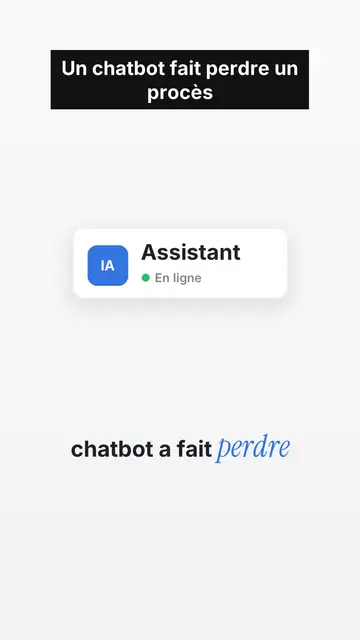
UI motion design explainer video
Clean interface style · The story played out in clean interface cards: windows, buttons, a cursor clicking on the word, key word in serif.
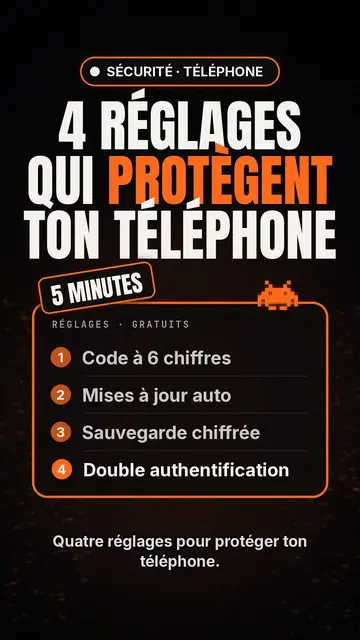
Video maker di top list tech
Stile lista tech · Scheda tech su sfondo nero, badge luminoso, elenco numerato.
Creatore di video con kinetic typography
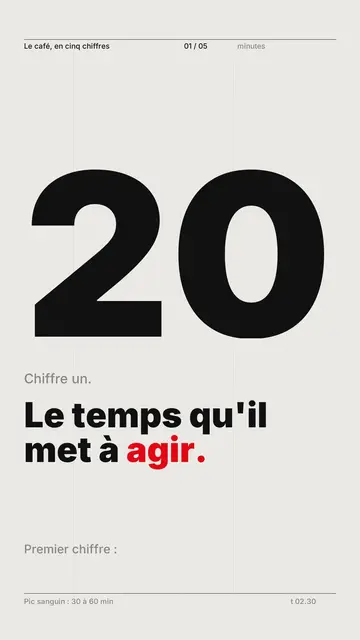
Stile Swiss grid · Tipografia svizzera: carta chiara, griglia rigorosa, cifra gigante, un solo colore di segnale.
Tutti gli stiliCome scegliere uno stile per i video esplicativi
La tua idea, in questo stile
Scrivi una frase o dilla a voce: lo stile è già selezionato quando arrivi all'editor.